B-80%
Quality Score
7
Pages
103
Issues
8.0
Avg Confidence
7.9
Avg Priority
42 Critical46 High15 Medium

>_ Testers.AI
AI Analysis
Cognition (Devin) was tested and 103 issues were detected across the site. The most critical finding was: Bottom sticky 'HIRE DEVIN' banner obstructs page content. Issues span A11y, Performance, Other, UX categories. Persona feedback rated Visual highest (7/10) and Accessibility lowest (5/10).
Qualitative Quality
Cognition (Devin)
Category Avg
Best in Category
Pages Tested · 7 screenshots

Homepage
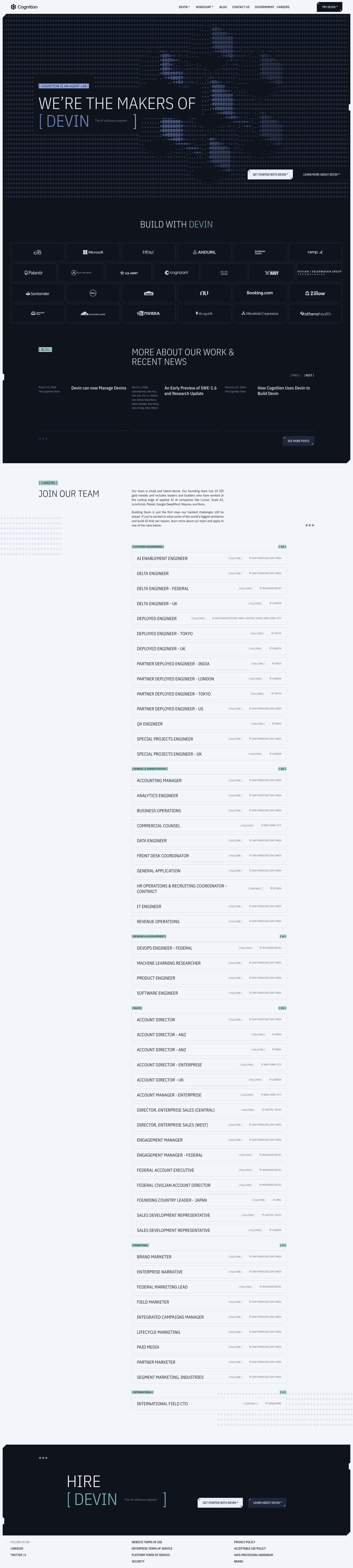
cognition.ai

cognition.ai
cognition.ai

cognition.ai
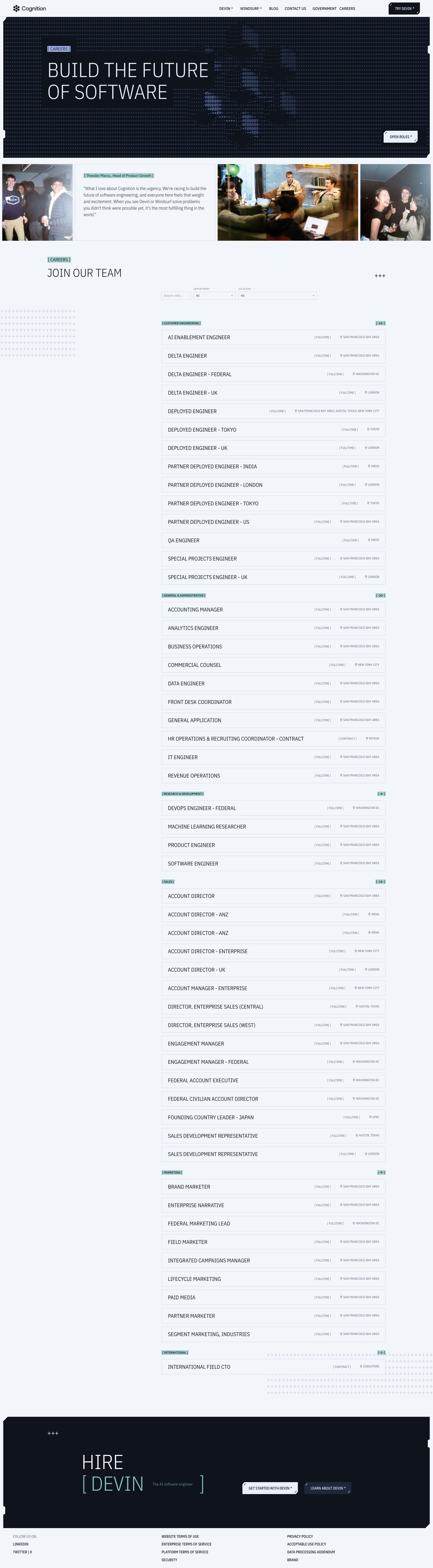
cognition.ai

cognition.ai
Detected Issues · 103 total
1
Bottom sticky 'HIRE DEVIN' banner obstructs page content
CRIT P9
Prompt to Fix
The bottom sticky banner with text 'HIRE DEVIN' overlaps and obscures the underlying page content. Remove overlap by converting it to a non-intrusive sticky footer, adding bottom padding to the main content, or making the banner dismissible. Ensure all underlying content remains visible and accessible without obstruction across all screen sizes.
Why it's a bug
The bottom banner sits over part of the page content (visible overlap in screenshot), making it hard for users to read underlying information or access bottom-of-page CTAs. This obstructs tasks and creates a frustrating experience, especially on smaller viewports.
Why it might not be a bug
If the banner is intended as a fixed CTA, it could still be accessible without covering content; current screenshot suggests it covers content, which is detrimental.
Suggested Fix
Convert the bottom banner to a non-overlapping sticky footer that becomes non-intrusive when content is in view, or implement a dismissible/close option. Alternatively, place the banner above content with adequate padding so underlying content remains fully visible and accessible.
Why Fix
Removing obstruction ensures users can read all content and access actions without having to scroll excessively or hide important information behind a CTA banner.
Route To
Frontend Developer
Page
Tester
 Mia · Usability Tester
Technical Evidence
Elements:
bottom sticky CTA banner overlapping contentPage Text:
HIRE DEVIN2
Empty link text detected in navigation
CRIT P9
Prompt to Fix
In the navigation markup, locate the anchor element with empty inner text. Replace the empty text with descriptive visible text or attach a descriptive aria-label. Example: <a href="https://cognition.ai/" aria-label="Cognition home">Cognition</a> or <a href="https://cognition.ai/">Home</a>. Ensure all links have accessible names and that the visible text matches the destination meaning. Validate with a screen reader (JAWS/NVDA/VoiceOver) and contrast checks per WCAG 2.1 2.4.4.
Why it's a bug
A navigation link has an empty text value. Screen readers cannot convey the purpose of this link to users who rely on assistive technologies, which violates WCAG guidelines for meaningful link text.
Why it might not be a bug
If the link were purely decorative, it should be hidden from assistive technologies; however, no accessible name is present and the link appears to be a real navigation item, not decorative.
Suggested Fix
Provide descriptive visible text for the link (e.g., 'Home' or the actual destination name) or add a descriptive aria-label (e.g., aria-label="Cognition home"). Ensure the link has meaningful content both visually and for screen readers.
Why Fix
Giving every link a meaningful label improves navigation for blind and low-vision users and adheres to WCAG 2.1 2.4.4 (Link Purpose In Context) and 3.3.2 (Labelled).
Route To
Frontend Developer / Accessibility Specialist
Page
Tester
 Alejandro · Accessibility Specialist
3
Low text contrast and small font size hinder readability
CRIT P9
Prompt to Fix
Increase body text size from current to 16px (1rem) with line-height 1.6. Change text color from light blue/gray to a dark gray (#1a1a1a) to achieve WCAG AA contrast against white. Ensure links are clearly colored (e.g., #1a0dab) and maintain consistent typography across the page. Verify readability after changes on both desktop and mobile viewports.
Why it's a bug
The main content text appears very light (blue-gray/white) on a white background with a small font size, making it difficult to read and scan. This can cause user fatigue, reduce comprehension of the log content, and trigger users to abandon the page.
Why it might not be a bug
Some designs intentionally use light typography for aesthetic reasons, but the current contrast and size still impair readability and accessibility in this screenshot.
Suggested Fix
Increase body text size to at least 16px (1rem) with a line-height of ~1.5 or 1.6. darken the text color to something with WCAG AA contrast against white (e.g., #1a1a1a or a dark gray). Ensure links stand out with a clearly distinguishable color. Review overall color palette for accessible contrast.
Why Fix
Improved readability will reduce user effort to read the logs, improve task completion speed, and prevent abandonment due to eye strain or accessibility barriers.
Route To
Frontend Developer
Page
Tester
Mia · Usability TesterTechnical Evidence
Elements:
Header/navigation bar, main content column with dense log entries, bottom footer adConsole:
Failed to load resource: net::ERR_NAME_NOT_RESOLVEDNetwork:
DNS resolution error for a resource that failed to loadPage Text:
COG LOG (visible heading); lengthy log entries with compact text