B+87%
Quality Score
4
Pages
46
Issues
8.0
Avg Confidence
7.9
Avg Priority
18 Critical22 High6 Medium

>_ Testers.AI
AI Analysis
Plotstat was tested and 46 issues were detected across the site. The most critical finding was: Unconsented third-party telemetry to Sentry risks PII exposure. Issues span Security, A11y, Performance, Other categories. Persona feedback rated Visual highest (9/10) and Accessibility lowest (7/10).
Qualitative Quality
Plotstat
Category Avg
Best in Category
Pages Tested · 4 screenshots
Homepage
lovable.dev.products.plotstat
lovable.dev.products.plotstat
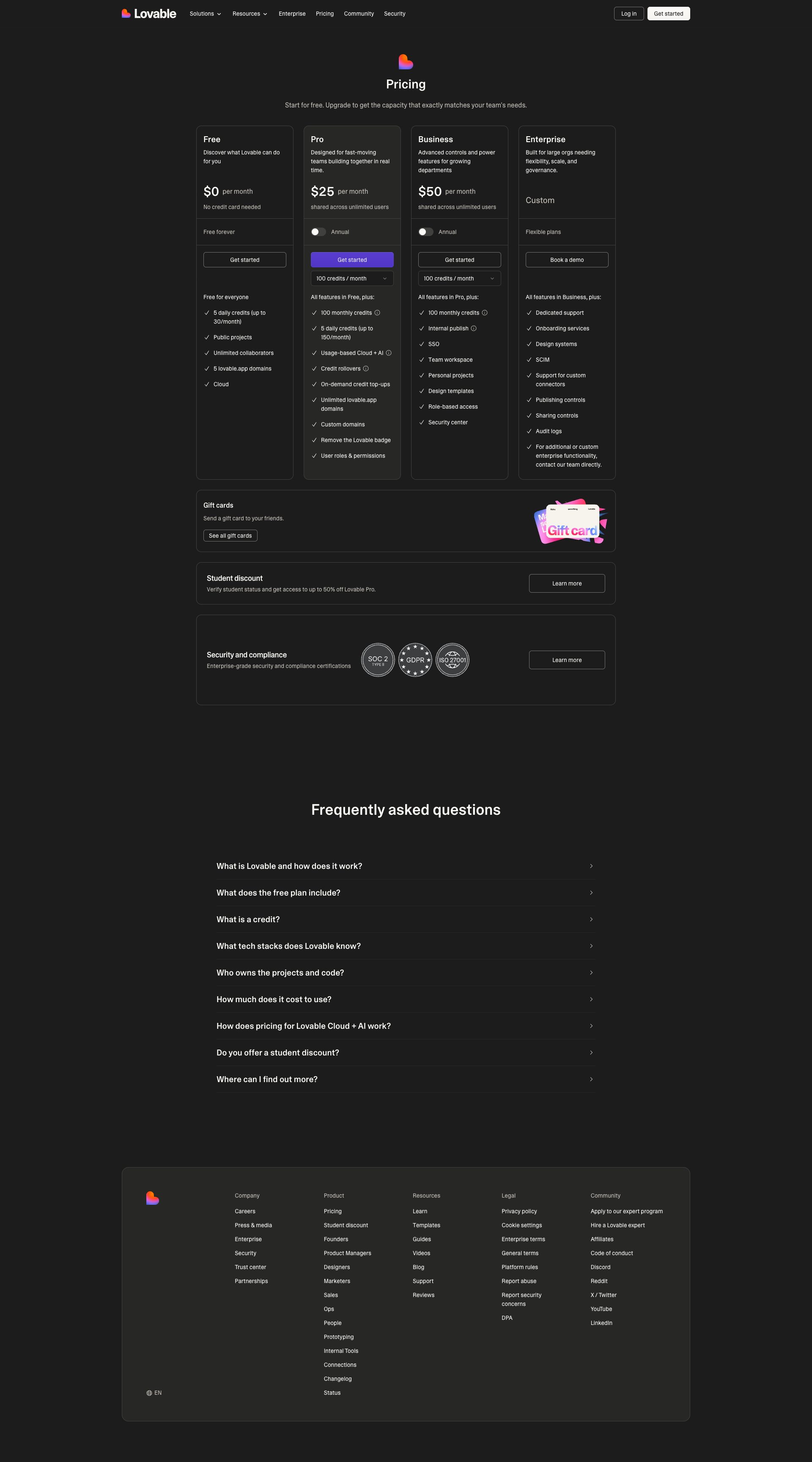
lovable.dev.products.plotstat
Detected Issues · 46 total
1
Unconsented third-party telemetry to Sentry risks PII exposure
CRIT P9
Prompt to Fix
In the Next.js app, locate the Sentry initialization code (both client and server). Change configuration to disable default PII transmission: set sendDefaultPII to false; implement a beforeSend callback to scrub user identifiers (user.id, user.email, username) and remove or anonymize IP addresses before sending events. Add a consent gate so Sentry is enabled only after explicit user opt-in; expose a privacy setting to disable telemetry entirely. Ensure in production you never send PII by default and provide an audit log of what data is sent. After changes, verify through test events that payloads contain no personal data and that the Sentry endpoint is not hit when consent is not granted.
Why it's a bug
The application sends error/telemetry data to a third-party service (Sentry) via a POST to ingest.us.sentry.io. Such telemetry can include device details, environment, and potentially user-identifying information. There is no visible indication of user consent gating or data minimization in the captured activity, creating a privacy risk of PII exposure to a third party.
Why it might not be a bug
Telemetry is commonly used for debugging and reliability. If the Sentry integration is properly configured to scrub PII (IP anonymization, removing emails/user IDs) and user consent is collected and respected, this may not be a bug. The current data flow, however, lacks clear consent handling and explicit PII minimization signals in the provided trace.
Suggested Fix
1) Enable privacy-conscious Sentry configuration: set sendDefaultPII to false, and implement a before-send hook to scrub PII fields (e.g., user.id, user.email, username) and remove/mask IP addresses. 2) Ensure IP anonymization is enabled for browser telemetry. 3) Gate Sentry activation behind explicit user consent (consent banner or settings toggle); disable in environments where consent is not granted. 4) Add a feature flag to disable Sentry in non-prod or non-consented sessions. 5) Validate payloads with test events to confirm no PII is transmitted. 6) Document data collected and provide a privacy notice in-app.
Why Fix
Fixing this reduces risk of personal data exposure to a third party, improves regulatory compliance (GDPR/CCPA/etc.), and preserves user trust by ensuring telemetry is privacy-preserving and user-consented.
Route To
Security/Privacy Engineer
Page
Tester
Pete · Privacy Networking Analyzer
Technical Evidence
Console:
POST to Sentry endpoint ingest.us.sentry.io for envelope; possible beforeSend/PII handling not visible in traceNetwork:
POST https://o4506071217143808.ingest.us.sentry.io/api/4506071220944896/envelope/?sentry_version=7&sentry_key=58ff8fddcbe1303f19bc19fbfed46f0f&sentry_client=sentry.javascript.nextjs%2F10.28.0 - Status: N/A2
AI endpoint usage logged and exposed in production console
CRIT P9
Prompt to Fix
Audit the production build for debug-level console outputs such as '[DEBUG] JSHandle@error' and AI-endpoint detection messages. Remove or gate these logs behind a development flag or remove them entirely. Implement a centralized logger with levels and ensure production builds do not expose internal AI endpoint details.
Why it's a bug
Console shows '⚠️ AI/LLM ENDPOINT DETECTED' messages, indicating AI endpoints are referenced during page load. This suggests debugging or probing logic may be present in production, which can leak internal architecture, reveal endpoint names, and impact performance.
Why it might not be a bug
If these logs are strictly limited to development builds, they’re not production issues; however the screenshot shows them visible in the UI/logs, implying a potential production artifact.
Suggested Fix
Remove or guard all AI endpoint detection logs behind a production flag. Ensure only user-facing, non-sensitive logs survive in production. Use a proper logger with levels and disable verbose debug output in deployed builds.
Why Fix
Mitigates information leakage, reduces noise in the console, and improves security and performance for end users.
Route To
Frontend/Full-Stack Engineer
Page
Tester
Jason · GenAI Code Analyzer
Technical Evidence
Console:
[DEBUG] JSHandle@error3
AI/LLM endpoint usage/logging on page load leaks endpoints & triggers AI features before user action
CRIT P9
Prompt to Fix
Actionable fix: remove or guard AI/LLM initializations triggered on page load. Implement lazy loading for AI components via dynamic import() and a user action trigger (e.g., clicking the chat button). Introduce an AI feature flag (ENABLE_AI) and ensure all AI requests occur after user consent. Remove 'AI endpoint detected' logs from production and replace with minimal, non-sensitive telemetry. Ensure HTTPS for all AI endpoints, add retry with backoff, and robust error handling.
Why it's a bug
The page shows AI endpoint detection logs (⚠️ AI/LLM ENDPOINT DETECTED) and appears to perform or reveal LLM/AI calls during initial render, which can leak internal endpoints, impact performance, and bypass user consent UX expectations.
Why it might not be a bug
If the app intentionally preloads AI features for onboarding, it might be a deliberate UX; however, the explicit endpoint-detection logs suggest instrumentation rather than a user-driven feature, and there is no visible consent flow for AI usage.
Suggested Fix
Remove on-load AI calls and any endpoint-detection logs from production. Lazy-load AI functionality behind a user action or feature flag, e.g., ENABLE_AI, and dynamically import AI modules. Add clear user consent/privacy notices before enabling AI features. Ensure all AI-related network requests use HTTPS, include proper error handling, and avoid exposing internal endpoints in logs.
Why Fix
Preventing spontaneous AI calls improves performance, reduces data exposure risk, and aligns with best practices for user consent and privacy. Makes AI usage explicit and controllable by the user.
Route To
Frontend Engineer
Page
Tester
Jason · GenAI Code Analyzer
Technical Evidence
Console:
⚠️ AI/LLM ENDPOINT DETECTEDNetwork:
GET https://lovable.dev/fonts/CameraPlainVariable-c48bd243.woff2 - Status: N/A