B84%
Quality Score
7
Pages
84
Issues
8.1
Avg Confidence
8.0
Avg Priority
39 Critical34 High11 Medium

>_ Testers.AI
AI Analysis
Oceansidehairsalon was tested and 84 issues were detected across the site. The most critical finding was: Unconsented Google Analytics g/collect data transmission (Tracking without user consent). Issues span Performance, A11y, Other, UX categories. Persona feedback rated Visual highest (7/10) and Accessibility lowest (5/10).
Qualitative Quality
Oceansidehairsalon
Category Avg
Best in Category
Pages Tested · 7 screenshots

Homepage

oceansidehairsalon.com
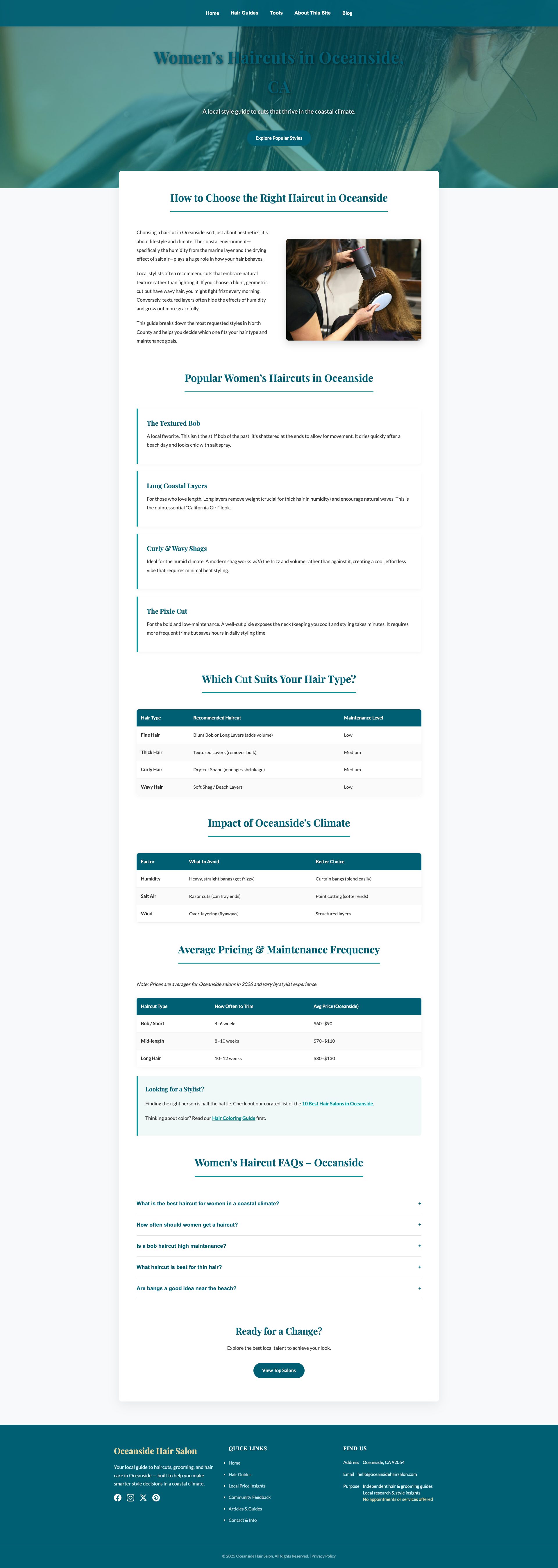
oceansidehairsalon.com

oceansidehairsalon.com
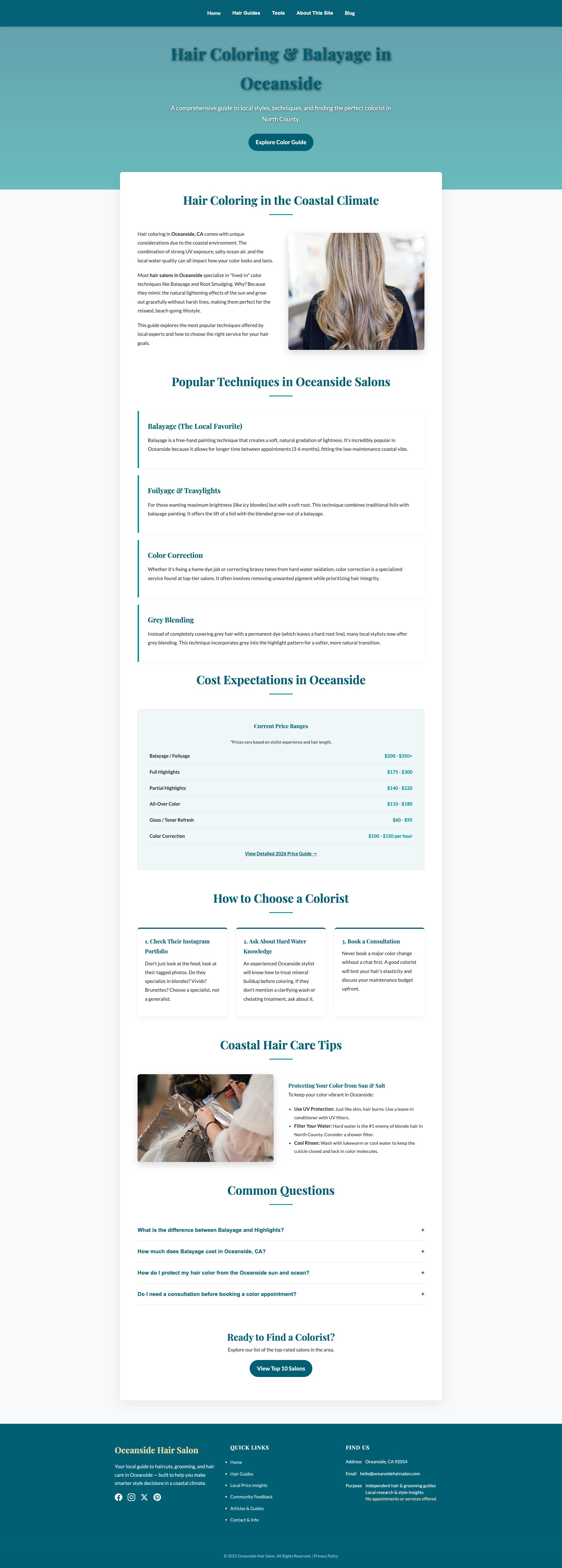
oceansidehairsalon.com
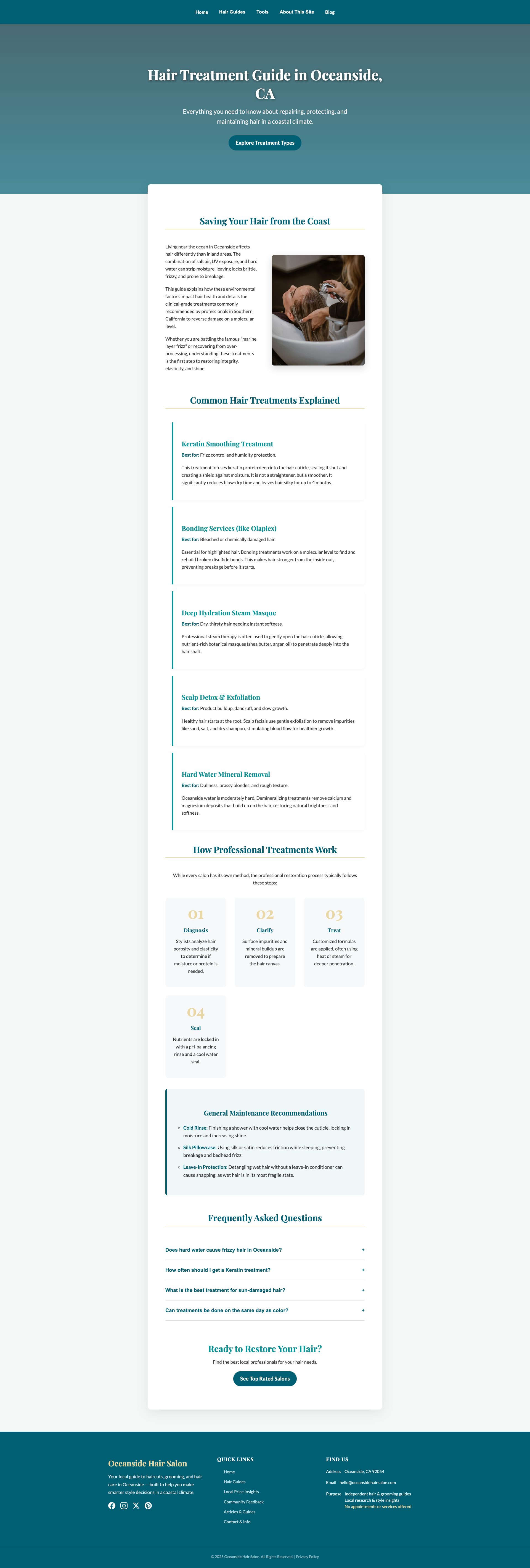
oceansidehairsalon.com

oceansidehairsalon.com
Detected Issues · 84 total
1
Unconsented Google Analytics g/collect data transmission (Tracking without user consent)
CRIT P9
Prompt to Fix
1) Add a prominent cookie/privacy banner and ensure analytics are blocked until user consents. 2) Implement consent mode for Google Analytics (e.g., gtag('consent', 'default', {'analytics_storage': 'denied'}); after consent is granted, switch to 'granted'). 3) Gate loading of GTM/GA scripts behind consent checks; remove or minimize any personally identifying data in GA payloads (avoid sending full page URLs or detailed context before consent). 4) Enable IP anonymization where possible and consider privacy-first analytics alternatives. 5) Update privacy policy to clearly disclose third-party data sharing with Google and how consent is obtained.
Why it's a bug
The site sends a Google Analytics data collection request (POST to google-analytics.com/g/collect) including a client-id (cid) and page context without evidence of user consent or a visible privacy/consent prompt. This enables third-party tracking and data sharing without explicit user opt-in.
Why it might not be a bug
Analytics is common on websites; not a bug if a documented consent mechanism exists and analytics are allowed only after user consent. In the absence of shown consent gating, it is a privacy risk.
Suggested Fix
Implement a clear cookie/consent banner and gate all analytics (GA/GTAG) behind user consent. Use consent mode or equivalent to deny analytics storage until consent is granted. Consider enabling IP anonymization where available, disabling ad personalization, and evaluating whether server-side measurement or privacy-focused analytics are preferable. Ensure the payloads sent to GA do not include unnecessary identifiers until consent is obtained.
Why Fix
Fixing this reduces exposure of user activity to a third party, supports compliance with GDPR/CCPA, and builds user trust by honoring consent preferences.
Route To
Privacy Engineer / Frontend Engineer
Page
Tester
Pete · Privacy Networking Analyzer
Technical Evidence
Console:
⚠️ POTENTIAL ISSUE: Tracking request detectedNetwork:
POST https://www.google-analytics.com/g/collect?v=2&tid=G-EXJZHLZJ4C>m=45je63o1v9235742808z89245687307za20gzb9245687307zd9245687307&_p=1774516057034&gcd=13l3l3l3l1l1&npa=0&dma=0&cid=1214698527.1774516057&ul=en-us&sr=800x600&uaa=&uab=&uafvl=&uamb=0&uam=&uap=&uapv=&uaw=0&are=1&frm=0&pscdl=noapi&_s=1&tag_exp=103116026~103200004~115938465~115938469~116024733~117484252~118199988&sid=1774516057&sct=1&seg=0&dl=https%3A%2F%2Foceansidehairsalon.com%2F&dt=Oceanside%20Hair%20%26%20Style%20%7C%20Expert%20Guides%2C%20Reviews%20%26%20AI%20Tools&en=page_view&_fv=1&_nsi=1&_ss=1&tfd=6112
Third-party tracking scripts loaded without explicit user consent (GTM/GA cross-site tracking risk)
CRIT P9
Prompt to Fix
1) Implement a consent banner that blocks GTM/GA until consent is given. 2) Configure GTM/GA to fire only after consent (use GTM consent settings or a script gate). 3) Disable or limit features that send personal or behavioral data before consent. 4) Add Do Not Track support and honor user preferences. 5) Update privacy policy with clear disclosures about third-party tracking and data sharing with Google.
Why it's a bug
The site loads Google Tag Manager and Google Analytics scripts from third-party domains, enabling cross-site tracking and data collection about user behavior without an explicit, observable consent mechanism in the request flow.
Why it might not be a bug
If consent is clearly provided and enforced before loading these scripts, this may be acceptable; however, there is no evidence of consent gating in the observed network activity.
Suggested Fix
Gate GTM/GA loading behind explicit user consent. Use consent management and related privacy settings to ensure analytics only run after consent. Disable ad features and personalizations by default. Review and minimize transmitted identifiers (e.g., avoid sending detailed page context prior to consent). Clearly disclose tracking in privacy policy and allow users to opt out.
Why Fix
Preventing unconsented cross-site tracking protects user privacy, helps comply with privacy regulations, and reduces risk of penalties and user distrust.
Route To
Privacy Engineer / Frontend Engineer
Page
Tester
Pete · Privacy Networking Analyzer
Technical Evidence
Console:
⚠️ POTENTIAL ISSUE: Tracking request detectedNetwork:
GET https://www.googletagmanager.com/gtm.js?id=GTM-PSX8DCHR - Status: 2003
404 Failed to load a resource causing potential UI breakage
CRIT P9
Prompt to Fix
Identify the missing resource that caused the 404 by inspecting the Network tab to find the exact URL and asset type. Verify the asset exists at the requested path, correct any incorrect base paths or casing, and ensure build/deploy includes the asset. If the resource is optional, implement a fallback path and proper error handling to avoid breaking UI. Update code so 404s are logged with the resource URL and status code for easier debugging.
Why it's a bug
A resource failed to load with a 404 error, which can indicate a missing script, stylesheet, image, or API endpoint. This may lead to broken UI, missing styles or functionality, or failed data requests, negatively impacting user tasks and experience.
Why it might not be a bug
If the resource is non-critical (e.g., analytics or decorative assets) and the UI remains functional, the impact may be minimal. Some 404s are acceptable if they don’t affect core tasks.
Suggested Fix
Use the Network tab to identify the exact resource URL that returned 404. Verify the file exists at the requested path or update references to the correct path. If the asset is optional, implement a graceful fallback and ensure code handles missing resources without breaking UI. Ensure server routing/static assets configuration serves the file during deployment.
Why Fix
Fixing the missing resource prevents potential UI breakage, ensures consistent styling/behavior, and reduces console errors that could confuse users and degrade trust.
Route To
Frontend Engineer
Page
Tester
Sharon · Security Tester
Technical Evidence
Console:
[ERROR] Failed to load resource: the server responded with a status of 404 ()Network:
URL not provided in log; check the browser's Network tab for the failed resource URL to determine which asset/API endpoint is missing.