B83%
Quality Score
6
Pages
97
Issues
8.1
Avg Confidence
8.0
Avg Priority
47 Critical35 High15 Medium

>_ Testers.AI
AI Analysis
Tenten.Vn was tested and 97 issues were detected across the site. The most critical finding was: Session ID exposed in console logs via DataLayer push. Issues span Security, Performance, A11y, Other categories. Persona feedback rated Visual highest (7/10) and Accessibility lowest (5/10).
Qualitative Quality
Tenten.Vn
Category Avg
Best in Category
Pages Tested · 6 screenshots
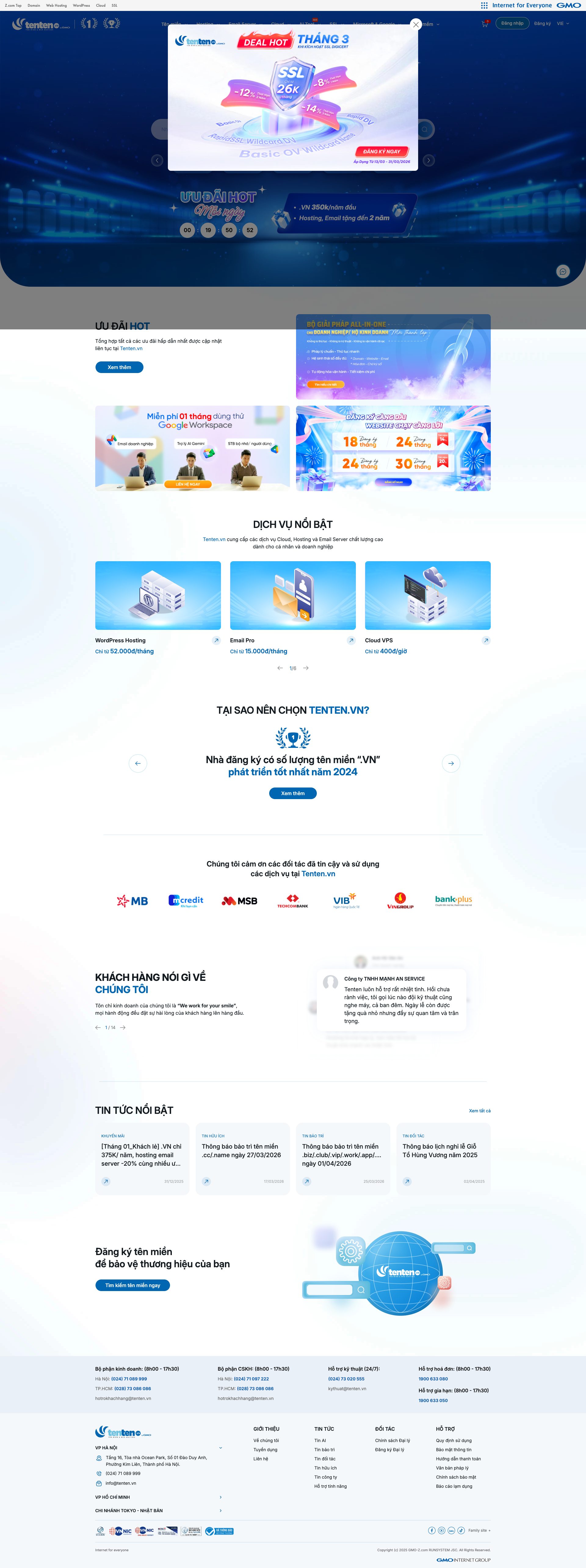
Homepage

tenten.vn

tenten.vn

tenten.vn
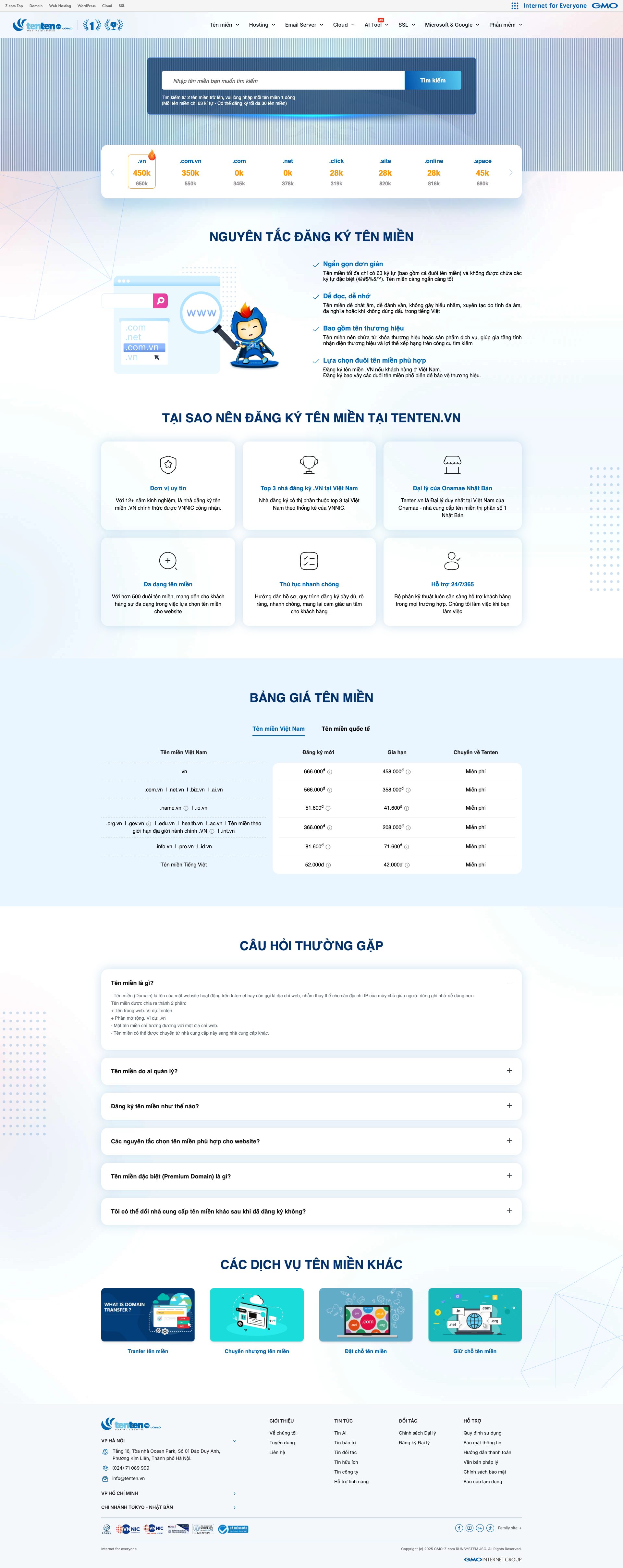
tenten.vn

tenten.vn
Detected Issues · 97 total
1
Session ID exposed in console logs via DataLayer push
CRIT P9
Prompt to Fix
Prompt to fix: In production builds, sanitize console output and analytics dataLayer payloads to redact or replace session identifiers. Specifically: 1) Remove sessionId from DataLayer pushes destined for production; if a session identifier must be tracked, replace with a non-persistent, non-PII token or a cryptographic hash that cannot be used to reconstruct the session. 2) Audit all console.log/debug statements and analytics integration paths for sensitive data exposure; gate logs behind an env flag so that in production they do not print sensitive values. 3) Implement a centralized logging sanitizer utility and enforce it via code review and CI checks.
Why it's a bug
The console logs include a DataLayer payload that contains a sessionId value (client-side session identifier). Exposing session identifiers in browser logs can enable session hijacking or fixation if an attacker can read console logs or access analytics data. Even if not used for server authentication, leakage of session identifiers increases blast radius and risk of misuse.
Why it might not be a bug
Some implementations emit session identifiers only for client-side analytics and are not used for authentication. If the sessionId is not tied to server-side sessions and is rotated frequently, risk is reduced. However, best practice is to sanitize any identifiers before logging to production.
Suggested Fix
Remove or redact the sessionId from all DataLayer pushes and console logging in production. Implement a sanitized or opaque token for analytics (e.g., hashed value or internal event ID only). Gate logging behind a development flag, and ensure production builds never log sensitive session identifiers. Review all code paths that write to the dataLayer to ensure no auth/session data is exposed.
Why Fix
Prevent leakage of session identifiers to client-side logs, reducing risk of session hijacking, fixation, or leakage via browser history or analytics dashboards. Improves data privacy and reduces attack surface.
Route To
Frontend Security Engineer
Page
Tester
Sharon · Security Console Log Analyzer
Technical Evidence
Console:
[LOG] DataLayer pushed: [{"0":"js","1":"2026-03-26T11:08:49.503Z","gtm.uniqueEventId":3},{"0":"config","1":"AW-1038946977"},{"0":"config","1":"G-6VZ21Y7R5X"},{"gtm.start":1774523329505,"event":"gtm.js","gtm.uniqueEventId":6},{"event":"firstPageView","firstPageUrl":"https://tenten.vn/vi","sessionId":"1774523329871-4yc8iiju3p5","gtm.uniqueEventId":10}]2
Exposure of Google Ads/Analytics tracking IDs in console logs (GA/Ads IDs)
CRIT P9
Prompt to Fix
Mask or remove GA/Ads IDs from client-side console logs. Do not print AW- followed IDs or other third-party tracking identifiers in DataLayer logging. If IDs are needed for debugging, replace with non-identifying placeholders and enable a secure server-side logging path for real values.
Why it's a bug
The DataLayer push reveals third-party tracking identifiers (AW-1038946977 and G-6VZ21Y7R5X). Exposing such IDs in console logs can enable cross-site tracking and leakage of ad/analytics configuration, which consumers expect to stay hidden from client-side logs.
Why it might not be a bug
These IDs are configuration values used by analytics/ads; they are not user data themselves. However, exposing them in logs increases privacy risk and could be misused.
Suggested Fix
Mask or redact third-party tracking IDs in all console/log outputs. Move configuration values to server-side rendering or secure config endpoints, and avoid printing them in client-side logs. Consider a logging gate that strips sensitive identifiers in production.
Why Fix
Reducing exposure of third-party tracking identifiers mitigates cross-site profiling risks and protects the integrity of ad/analytics configurations.
Route To
Frontend Engineer / Privacy Engineer
Page
Tester
Pete · Privacy Console Log Analyzer
Technical Evidence
Console:
[LOG] DataLayer pushed: [{"0":"js","1":"2026-03-26T11:08:49.503Z","gtm.uniqueEventId":3},{"0":"config","1":"AW-1038946977"},{"0":"config","1":"G-6VZ21Y7R5X"},{"gtm.start":1774523329505,"event":"gtm.js","gtm.uniqueEventId":6},{"event":"firstPageView","firstPageUrl":"https://tenten.vn/vi","sessionId":"1774523329871-4yc8iiju3p5","gtm.uniqueEventId":10}]Network:
[ERROR] Failed to load resource: net::ERR_NAME_NOT_RESOLVED3
Unconsented Google Tag Manager / GA4 Tracking on page
CRIT P9
Prompt to Fix
On the page, wrap the Google Tag Manager/GA4 script loading with a consent check. Do not inject or execute GTM/GA4 scripts until the user has explicitly consented to analytics tracking. Dynamically load the scripts after consent, initialize gtag only after consent, and configure GA4 to minimize data collection (e.g., disable ad personalization features, enable IP anonymization if supported, and avoid sending sensitive data). Ensure a visible privacy/consent banner is present and that revoking consent stops data collection. Provide a minimal, compliant loading sequence and test with consent given and denied.
Why it's a bug
The page loads Google Tag Manager / GA4 tracking scripts (AW-1038946977 and G-6VZ21Y7R5X) which enable cross-site user tracking and data collection. Without an explicit consent flow, user behavior data and device identifiers may be sent to Google without user knowledge or consent.
Why it might not be a bug
If a consent management mechanism exists and these scripts are only loaded after opt-in, this would be expected. The provided data does not show any consent gating, so this appears to be unconsented tracking in this snapshot.
Suggested Fix
Implement a consent management platform and gate all analytics/tracking scripts behind explicit user consent. Load Google Tag Manager only after consent. Configure GA4/GTAG to minimize data collection (e.g., enable IP anonymization where available, limit data sharing, and suppress advertising features) and respect Do Not Track. Consider deferring analytics until after user interaction where appropriate.
Why Fix
Respect user privacy, reduce regulatory risk, and increase user trust by ensuring analytics are only active after clear user consent.
Route To
Frontend Engineer / Privacy Engineer
Page
Tester
Pete · Privacy Networking Analyzer
Technical Evidence
Network:
https://www.googletagmanager.com/gtag/js?id=AW-1038946977; https://www.googletagmanager.com/gtag/js?id=G-6VZ21Y7R5X