B-80%
Quality Score
7
Pages
135
Issues
8.1
Avg Confidence
7.8
Avg Priority
58 Critical55 High22 Medium

>_ Testers.AI
AI Analysis
Pizzahut.Co was tested and 135 issues were detected across the site. The most critical finding was: Exposure of analytics tracking IDs in console logs. Issues span Security, A11y, Performance, Other categories. Persona feedback rated Visual highest (7/10) and Accessibility lowest (6/10).
Qualitative Quality
Pizzahut.Co
Category Avg
Best in Category
Pages Tested · 7 screenshots

Homepage

www.pizzahut.com.co
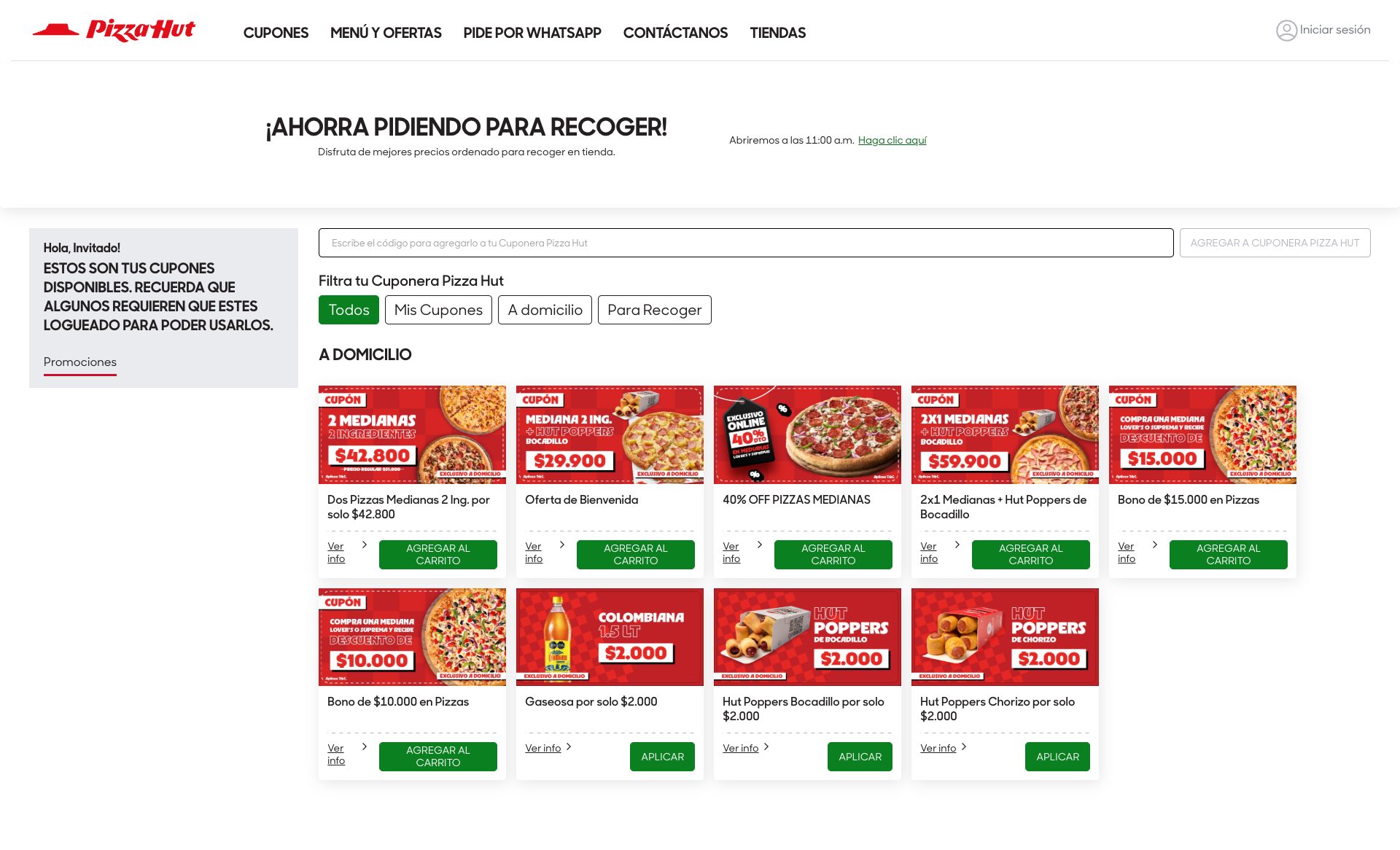
www.pizzahut.com.co

www.pizzahut.com.co

www.pizzahut.com.co

www.pizzahut.com.co
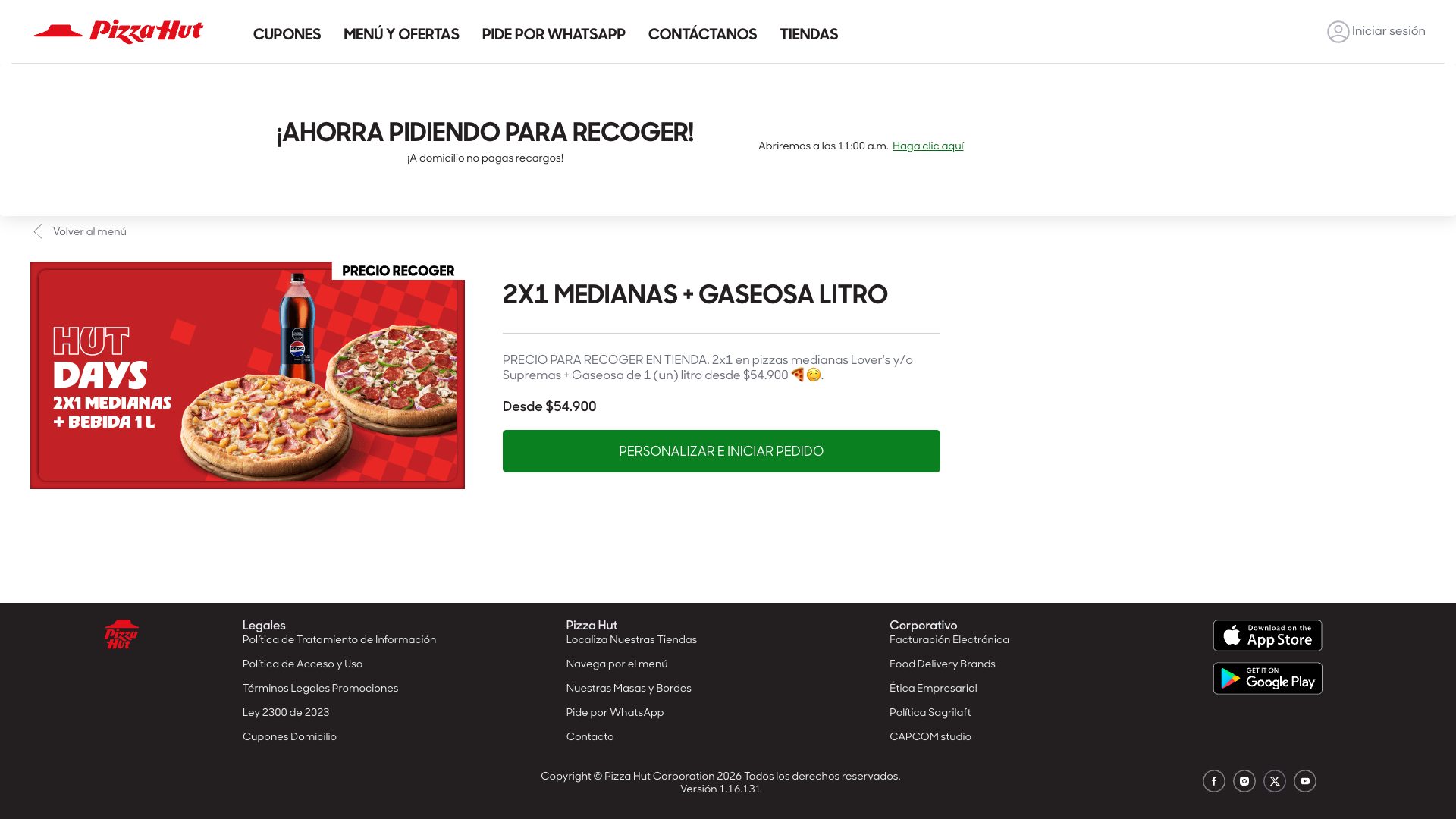
www.pizzahut.com.co
Detected Issues · 135 total
1
Exposure of analytics tracking IDs in console logs
CRIT P9
Prompt to Fix
Action: Remove or redact Google Tag Manager and Meta Pixel IDs from all production console logs. Implement a sanitized logger and ensure production builds do not log analytics IDs. Steps: 1) Replace log statements like console.info('init. Google Tag Manager with id: ' + id) with console.info('Analytics initialized') or use a redacted value (e.g., 'GTM-REDACTED'). 2) Add a helper: function redactAnalyticsId(value) { return /GTM-|PixelID|9384298/.test(value) ? '[REDACTED]' : value; } and apply in all logging calls. 3) Gate logging with environment check: if (process.env.NODE_ENV !== 'production') { log with IDs } else { log sanitized messages }. 4) Create tests to assert that captured logs do not contain 'GTM-' or pixel IDs and that '[REDACTED]' appears where IDs would have been. 5) Audit and fix any duplicate pixel configuration that triggers extra logging or warnings. 6) Review meta tag deprecation warnings in logs separately (not privacy-related) but update to current best practices.
Why it's a bug
Console logs reveal analytics/tracking identifiers (Google Tag Manager ID GTM-W84N77T and Meta Pixel ID 938429809956280). While these are not personally identifying information, they are sensitive telemetry identifiers that can be used for cross-site tracking or profiling when exposed in client-side logs. This leaks potential tracking vectors and undermines data minimization principles.
Why it might not be a bug
Some teams argue logs are for internal debugging and not exposed to end users; if logs are adequately access-controlled and never shipped with production builds, risk is reduced. However, production consoles can be accessed by attackers or misconfigured dashboards, so leakage remains a real risk.
Suggested Fix
Remove or redact analytics IDs from all production console logs. Implement a centralized sanitized logger that masks IDs (e.g., GTM-W84N77T, Pixel IDs) or replaces them with non-identifying placeholders. Ensure production builds disable verbose analytics initialization logs. Add tests to verify logs do not contain any GTM or Pixel IDs. Review and fix any code that logs these IDs during initialization. Consider updating meta tag usage warning separately if relevant.
Why Fix
Preventing exposure of tracking identifiers in console logs reduces potential cross-site tracking abuse, aligns with privacy best practices, and minimizes risk of unauthorized profiling or data leakage.
Route To
Frontend Engineer / Privacy Engineer
Page
Tester
Pete · Privacy Console Log Analyzer
Technical Evidence
Console:
[INFO] init. Google Tag Manager with id: GTM-W84N77T; [WARN] [Meta Pixel] - Duplicate Pixel ID: 938429809956280.Network:
N/A (no network call details provided in logs; related tracking domain calls exist but not captured here)2
Unconsented third-party tracking via tictuk domains loaded on site
CRIT P9
Prompt to Fix
In the frontend, identify all third-party tracking domains (e.g., cdn.tictuk.com, api.us.tictuk.com) being loaded on the page. Gate their requests behind user consent by implementing a Consent Management Platform (CMP). Remove any PII from request headers/query params or proxy through your server to anonymize data. Ensure no cross-site tracking cookies are set before consent. If third-party services are necessary, configure them to operate on a per-session basis and adhere to privacy laws. Add Content-Security-Policy to restrict third-party domains; lazy-load or defer loading of tracking resources until user consents; monitor and log all third-party data sharing.
Why it's a bug
The page loads multiple resources from third-party domains (cdn.tictuk.com, api.us.tictuk.com) which appear to be tracking/analytics services. The logs explicitly flag potential tracking: 'POTENTIAL ISSUE: Tracking request detected'. Loading third-party tracking calls can enable user behavior profiling and cross-site tracking without clear user consent, potentially violating GDPR/CCPA if consent isn't obtained.
Why it might not be a bug
Some assets (static icons and fonts) are hosted on a CDN; not all requests indicate tracking. If the third-party endpoints are strictly for static assets, they may not track. However, the presence of 'tracking request detected' and API calls to a tracking domain suggest more than just static assets.
Suggested Fix
Block or gate all third-party tracking domains until user consent is obtained. Move assets to first-party hosting where possible. If third-party services are required, ensure privacy by removing or obfuscating any PII in requests, avoid sending precise user identifiers, and implement a Consent Management Platform (CMP) with clear UX. Consider refactoring or proxying requests through your own domain to maintain control over data exposed to third parties.
Why Fix
Reduces cross-site tracking, improves user privacy, and meets regulatory expectations (GDPR/CCPA). Increases user trust and reduces risk of data leakage.
Route To
Privacy Engineer / Frontend Engineer
Page
Tester
Pete · Privacy Networking Analyzer
Technical Evidence
Console:
⚠️ POTENTIAL ISSUE: Tracking request detectedNetwork:
GET https://ecom.tictuk.com/v1/tenants/54ba3242-0dba-c43a-da34-af196adc2a13/deals2?lang=es&channelType=Web3
AI/LLM endpoints detected loaded on page (potential data leakage)
CRIT P9
Prompt to Fix
Identify all front-end calls to external AI endpoints. Move them behind a consent gate or server-side rendering. Remove hard-coded AI URLs from client code, replace with safe placeholders or server-managed endpoints, and add a visible privacy consent banner before data is sent.
Why it's a bug
Console shows explicit AI/LLM endpoint detection markers and network requests to external AI-related URLs (ecom.tictuk.com, api.us.tictuk.com). This suggests client-side calls to third-party AI services without clear user consent or data handling safeguards, risking data leakage and privacy concerns.
Why it might not be a bug
If these endpoints are legitimately used for analytics or personalization with proper consent and data handling, they could be legitimate. However, the UI shows no consent mechanism or disclosure, which is risky.
Suggested Fix
Move AI/LLM interactions behind explicit user consent or server-side processing; remove or gate front-end AI calls; replace with server-rendered content or a consent-controlled flow. Audit all AI endpoints and implement a privacy policy/UI prompt prior to any data sharing.
Why Fix
Protect user data, meet privacy regulations, and reduce unexpected network chatter that degrades performance and trust.
Route To
Frontend Security/Privacy Engineer
Page
Tester
Jason · GenAI Code Analyzer
Technical Evidence
Console:
[AI/LLM ENDPOINT DETECTED]Network:
https://ecom.tictuk.com/v1/tenants/54ba3242-0dba-c43a-da34-af196adc2a13/deals2?lang=es&channelType=Web