Argos
App Quality Report
Powered by Testers.AI
B84%
Quality Score
7
Pages
144
Issues
7.2
Avg Confidence
7.5
Avg Priority
33 Critical77 High32 Medium2 Low
Testers.AI
>_ Testers.AI AI Analysis

Argos scored B (84%) with 144 issues across 6 tested pages, ranking #16 of 20 UK retail sites. That's 14 more than the 130.2 category average (25th percentile).

Top issues to fix immediately: "Multiple Render-Blocking JavaScript Files Delaying Initial Page Render" โ€” 1) Defer non-critical JavaScript using the 'defer' or 'async' attributes; "404 Resource Loading Failures Creating Broken User Experience" โ€” Investigate which resources are returning 404 errors by checking the network tab; "Multiple 404 Resource Load Failures During Page Load" โ€” 1) Audit all asset references in the page code to ensure CDN paths are correct and resources exist.

Weakest area โ€” accessibility (6/10): Color contrast appears adequate in places but inconsistent. Limited evidence of ARIA labels or semantic HTML in this screenshot.

Quick wins: Improve color contrast ratios throughout to meet WCAG AA standards, particularly in text on colored backgrounds. Add clear skip navigation links and improve keyboard navigation flow.
Qualitative Quality
Argos
Category Avg
Best in Category
Issue Count by Type
A11y
48
Content
27
UX
11
Security
2
Visual
1
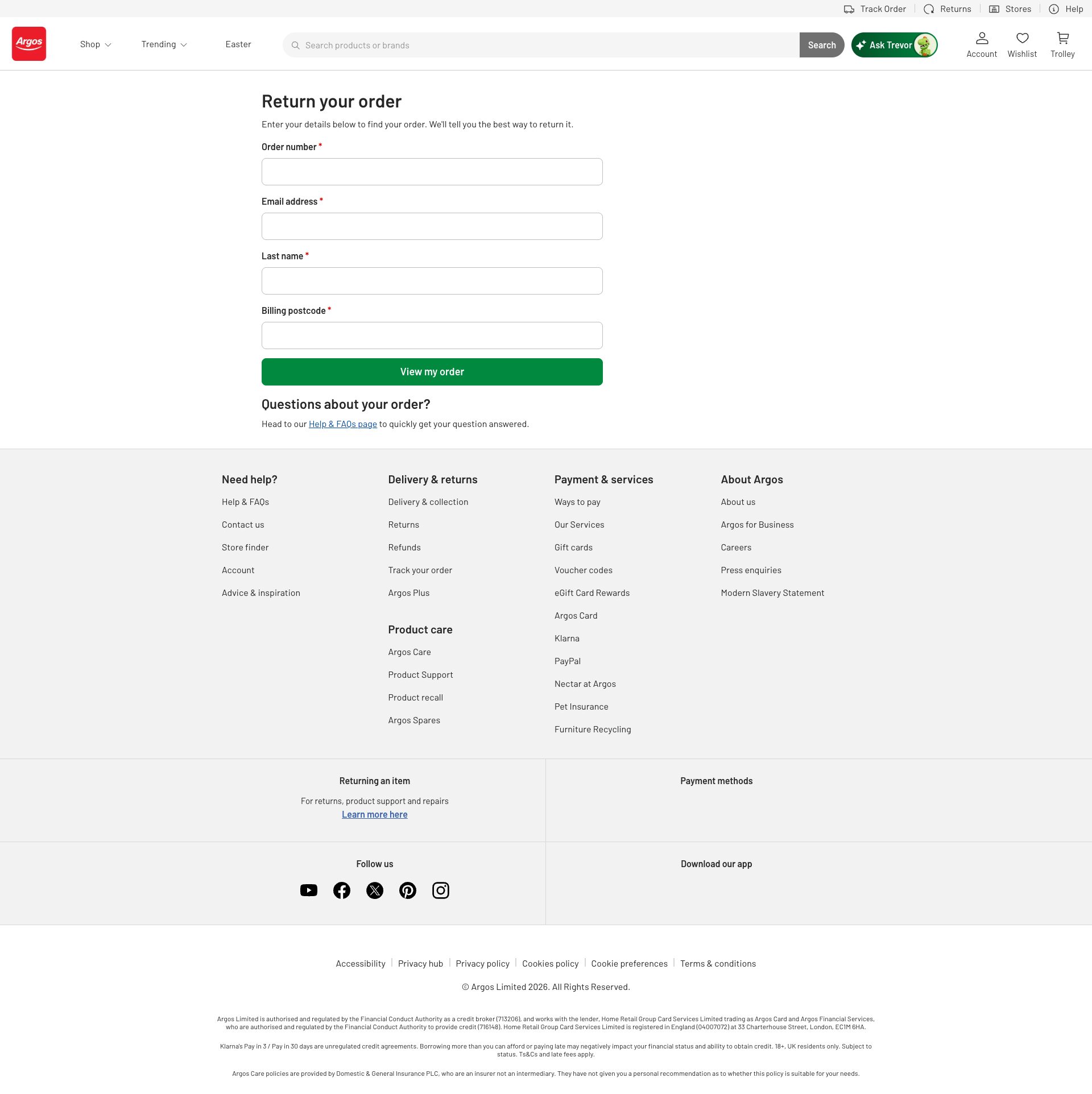
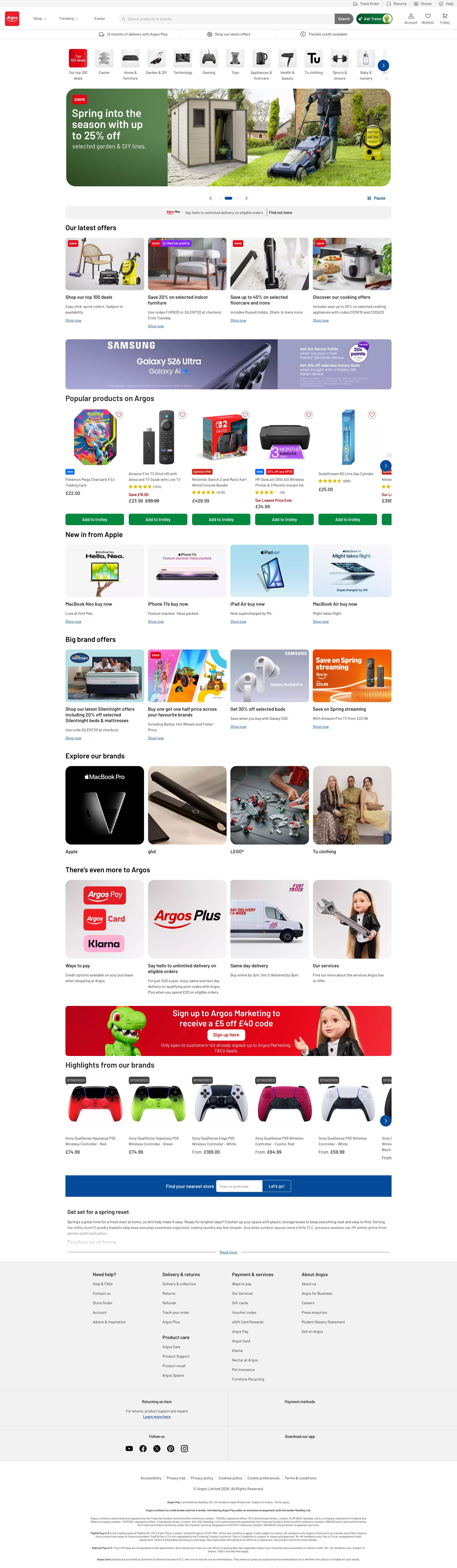
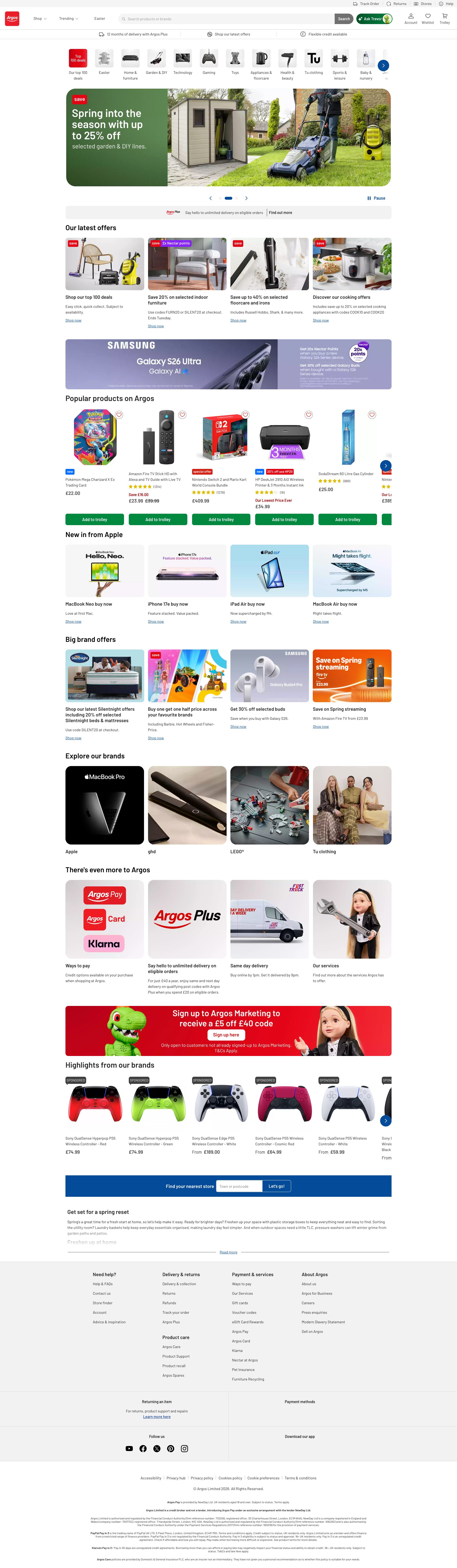
Pages Tested ยท 7 screenshots
Detected Issues ยท 144 total
1
Script blocked due to MIME type mismatch and strict MIME checking
CRIT P9
Conf 9/10 OtherSecurity
Prompt to Fix
A script is being blocked because the server is returning 'text/html' MIME type instead of 'application/javascript' for the URL 'https://www.argos.co.uk/akam/13/7b32474c'. This breaks script execution due to strict MIME type checking (a security feature). Fix this by: 1) Verifying the script file actually exists at that path, 2) Checking if it's being redirected to an error page, 3) Ensuring the web server is configured to serve .js files with the correct 'application/javascript' MIME type, 4) Adding proper Content-Type headers to the response. Check your web server configuration (nginx/Apache) to ensure all script resources have the correct MIME type.
Why it's a bug
A script is being blocked because the server returned 'text/html' MIME type instead of 'application/javascript'. This is a critical security issue and indicates either: 1) The wrong resource is being served, 2) Server misconfiguration, or 3) A potential security attack. The script will not execute, breaking functionality that depends on it.
Why it might not be a bug
Strict MIME type checking is a security feature that prevents XSS attacks. The real issue is upstream - the server is serving incorrect content.
Suggested Fix
1) Check the script URL 'https://www.argos.co.uk/akam/13/7b32474c' - verify it points to actual JavaScript 2) Verify the server is configured to serve .js files with 'application/javascript' MIME type 3) Check if the URL is being redirected to an error page (which would return HTML) 4) Ensure the script file exists and isn't returning a 404 error page 5) Configure server headers correctly for all script resources
Why Fix
When scripts don't execute due to MIME type errors, features break completely. This blocks user workflows and indicates potential server configuration problems or attacks.
Route To
Backend/DevOps Engineer
Page
Tester
Sharon ยท Security Tester
Technical Evidence
Console: [ERROR] Refused to execute script from 'https://www.argos.co.uk/akam/13/7b32474c' because its MIME type ('text/html') is not executable, and strict MIME type checking is enabled.
Network: GET https://www.argos.co.uk/akam/13/7b32474c - returned text/html instead of application/javascript

2
Unencrypted sensitive session/tracking data in network requests
CRIT P9
Conf 8/10 OtherSecurity
Prompt to Fix
Audit the analytics and RUM configuration in the application. Replace all GET requests containing persistent identifiers (session IDs, device fingerprints, beacon URLs) with POST requests. Implement cryptographic hashing or tokenization for any user-identifying data before transmission to third-party services. Verify that boomerang.js and other analytics libraries are configured with privacy-first settings. Add data masking for sensitive fields like device characteristics. Document which identifiers are necessary and implement user consent checks before transmitting any tracking data.
Why it's a bug
Network requests contain persistent user identifiers and session tracking data in plaintext URLs: 'si=75a89650-b800-4693-ba53-ba68aa0b8691-tbzumw' in analytics calls, and device fingerprinting parameters in requests to 'c.go-mpulse.net' and 's2.go-mpulse.net'. These identifiers enable cross-site user tracking and device fingerprinting without apparent encryption or hashing. The boomerang analytics payload includes unencrypted XHR tracking data and timing information that could be used to fingerprint users.
Why it might not be a bug
Boomerang and similar RUM (Real User Monitoring) services are industry-standard and may have their own encryption/tokenization mechanisms not visible in the network layer. Session IDs in URLs are common practice for some services.
Suggested Fix
1) Audit all persistent identifiers (si=, bcn=) and ensure they are cryptographically hashed or tokenized. 2) Use POST requests instead of GET for sensitive tracking data to avoid URL logging. 3) Implement HTTPS-only with Secure and HttpOnly cookie flags. 4) Mask device fingerprinting data before transmission (hash hardware identifiers). 5) Implement a privacy-first alternative to device fingerprinting or allow users to opt-out. 6) Add CSP headers to prevent exfiltration of identifiers.
Why Fix
Exposing persistent identifiers in plaintext enables cross-site tracking, device fingerprinting, and privacy violations. This violates GDPR, CCPA, and similar privacy regulations that require user consent for tracking. It also creates security risks if requests are logged or intercepted.
Route To
Security Engineer / Privacy Engineer / Backend Engineer
Page
Tester
Jason ยท GenAI Code Analyzer
Technical Evidence
Console: No console output directly visible, but network requests show unencrypted identifiers
Network: GET https://c.go-mpulse.net/api/config.json?key=MP8YU-F9ZBB-XS7Y4-5KLS8-92JTH&d=www.argos.co.uk&t=5912225&v=1.720.0&sl=1&si=75a89650-b800-4693-ba53-ba68aa0b8691-tbzumw&bcn=%2F%2F17de4c11.akstat.io%2F... contains unencrypted session identifier 'si' and beacon endpoint in plaintext

3
Multiple Render-Blocking JavaScript Files Delaying Initial Page Render
CRIT P10
Conf 9/10 Other
Prompt to Fix
Optimize the critical rendering path by: 1) Add 'defer' or 'async' attributes to non-critical scripts like analytics (utag.js, utag.sync.js). 2) Implement code-splitting in the Next.js build to create smaller chunks and load them on-demand. 3) Use dynamic imports for components that aren't needed for initial render. 4) Consider moving heavy third-party scripts (like Tealium uTag) to load after the page becomes interactive using requestIdleCallback or similar. 5) Verify React and styled-components are truly necessary in the initial bundle or if they can be loaded lazily for certain routes. The goal is to reduce the critical path length and allow the browser to paint the first contentful paint much faster.
Why it's a bug
The page loads multiple critical render-blocking JavaScript files synchronously: utag.sync.js, utag.js, commonvendor-react.min.js, commonvendor-styledComponents.min.js, commonvendor-superagent.min.js, and multiple Next.js chunks. These scripts prevent the browser from rendering page content until they are downloaded, parsed, and executed, significantly delaying First Contentful Paint (FCP) and Largest Contentful Paint (LCP), which are critical Core Web Vitals metrics. The network waterfall shows these scripts are loaded before any page content can be painted.
Why it might not be a bug
Some of these scripts may be necessary for page functionality and cannot be deferred, particularly the React and styled-components libraries which are core framework dependencies. However, they should still be optimized through code-splitting, async loading, or other strategies.
Suggested Fix
1) Defer non-critical JavaScript using the 'defer' or 'async' attributes. 2) Implement code-splitting to load only necessary JavaScript bundles for initial page render. 3) Move analytics scripts (utag.js, utag.sync.js) to load asynchronously after page interactive. 4) Use dynamic imports for below-fold components. 5) Consider using Next.js built-in optimizations like Automatic Static Optimization for faster initial renders.
Why Fix
Reducing render-blocking JavaScript directly improves Core Web Vitals (LCP, FID) which are critical SEO ranking factors and directly impact user experience. Faster page render means users see content sooner, reducing perceived latency and improving engagement metrics.
Route To
Frontend Performance Engineer / JavaScript/React Specialist
Page
Tester
Tariq ยท Performance Specialist
Technical Evidence
Network: GET https://www.argos.co.uk/utag/utag.sync.js - Status: 200 โš ๏ธ MISSING CACHE HEADERS โš ๏ธ POTENTIALLY RENDER-BLOCKING, GET https://www.argos.co.uk/utag/utag.js - Status: 200 โš ๏ธ MISSING CACHE HEADERS โš ๏ธ POTENTIALLY RENDER-BLOCKING, GET https://www.argos.co.uk/assets/common/vendor/5.0.17/commonvendor-react.min.js - Status: 200 โš ๏ธ MISSING CACHE HEADERS โš ๏ธ POTENTIALLY RENDER-BLOCKING
+141
141 more issues detected  View all →
Failed to load resource: 404 error on critical asset
MIME type error for security script blocks execution
404 Resource Loading Failures Creating Broken User Experienc...
and 138 more...
Unlock All 144 Issues
You're viewing the top 3 issues for Argos.
Sign up at Testers.AI to access the full report with all 144 detected issues, detailed fixes, and continuous monitoring.
Sign Up at Testers.AI or let us run the tests for you