Sports Direct
App Quality Report
Powered by Testers.AI
B85%
Quality Score
6
Pages
114
Issues
7.6
Avg Confidence
7.8
Avg Priority
41 Critical54 High19 Medium
Testers.AI
>_ Testers.AI AI Analysis

Sports Direct scored B (85%) with 114 issues across 6 tested pages, ranking #11 of 20 UK retail sites. That's 16 fewer than the 130.2 category average (60th percentile).

Top issues to fix immediately: "Massive Network Resource Loading Failures - ERR_NAME_NOT_RESOLVED" โ€” Audit all hardcoded URLs and resource paths in the generated code; "Multiple Failed Resource Loads - DNS Resolution Errors" โ€” 1) Enable detailed network logging to capture the full URL of each failed resource; "Multiple missing images throughout page causing visual breaks and inco" โ€” Investigate and resolve the failed resource loading issues.

Weakest area โ€” accessibility (4/10): Multiple color-dependent design elements and small text in promotional banners create accessibility barriers.

Quick wins: Implement clearer visual hierarchy to reduce cognitive load and prioritize key user actions. Enhance color contrast ratios throughout the site and ensure text meets WCAG AA standards.
Qualitative Quality
Sports Direct
Category Avg
Best in Category
Issue Count by Type
A11y
50
Content
25
UX
6
Visual
2
Security
1
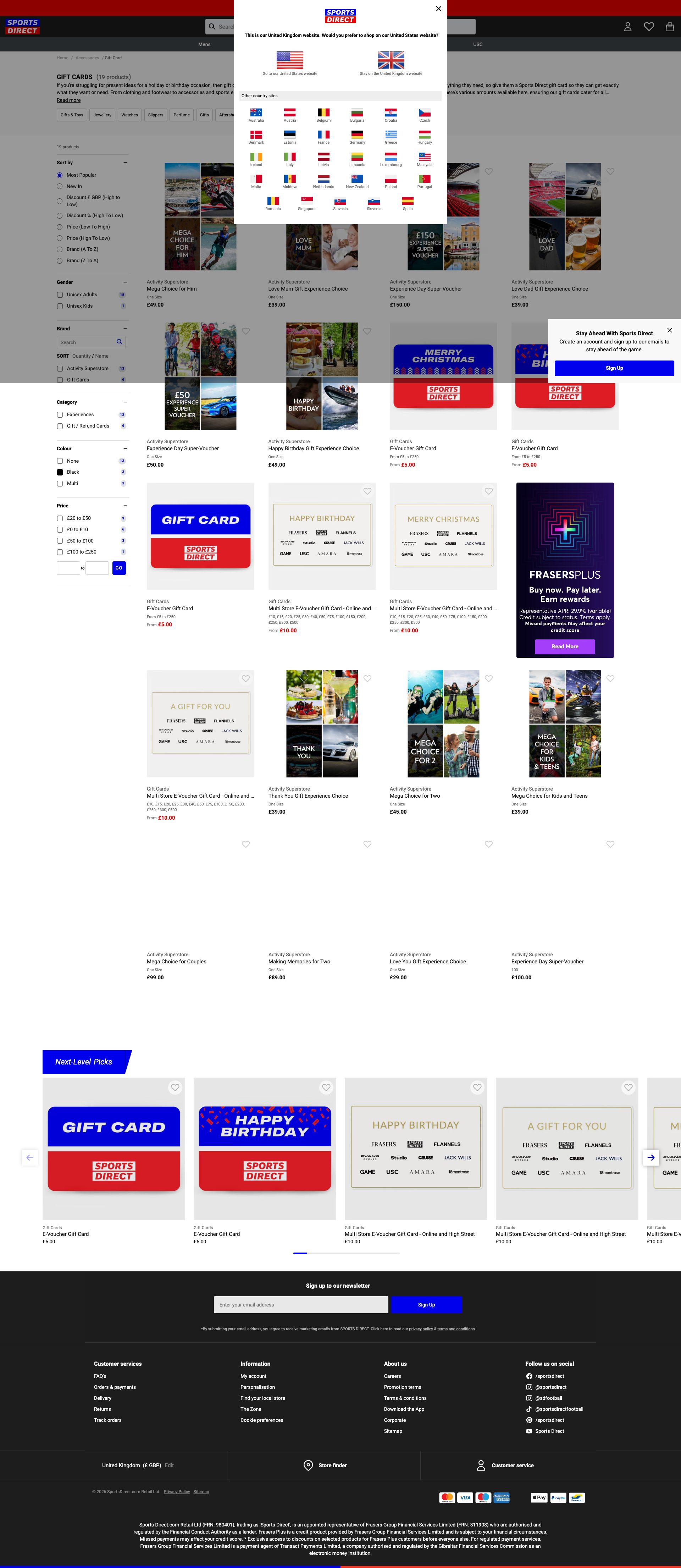
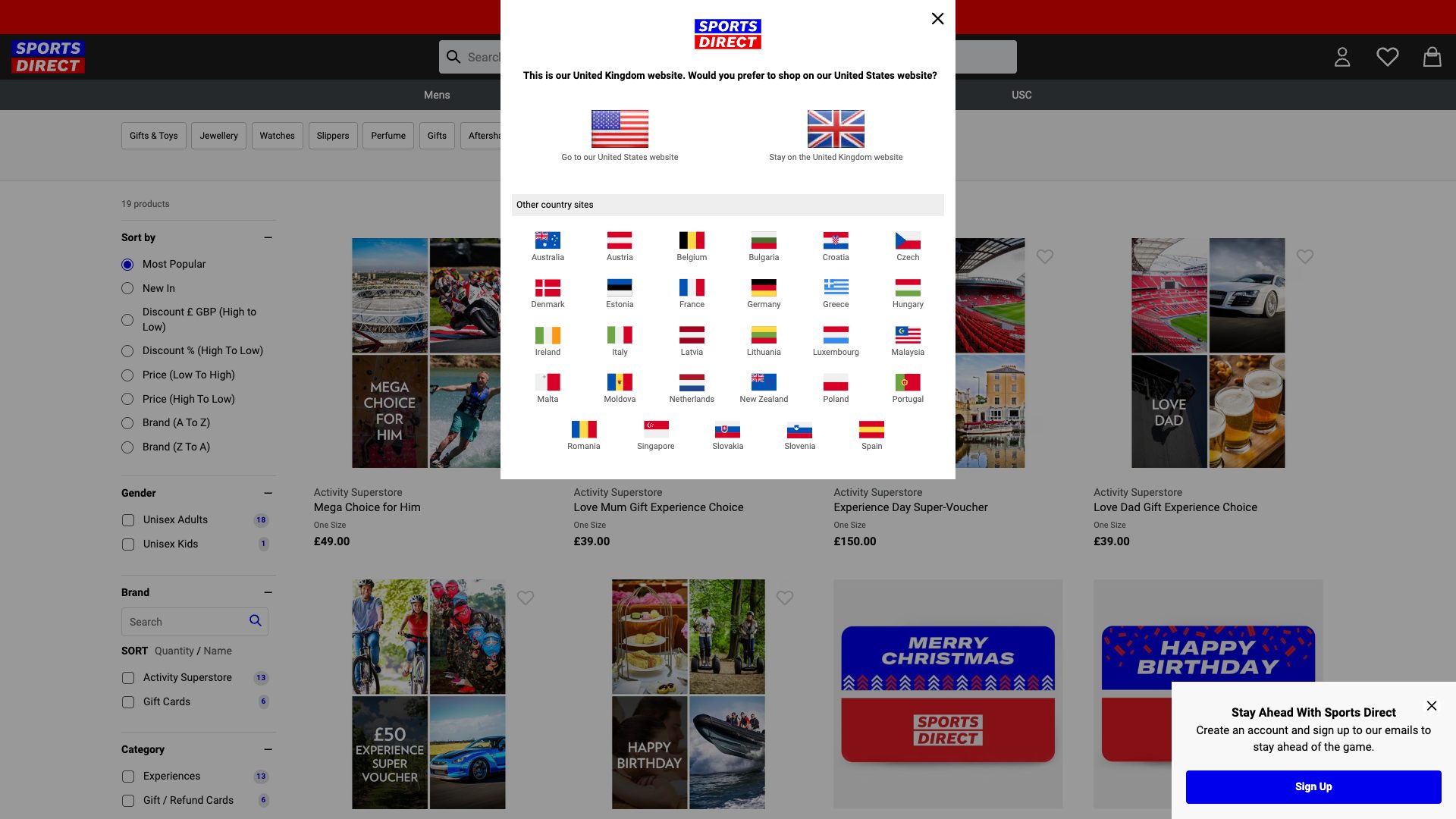
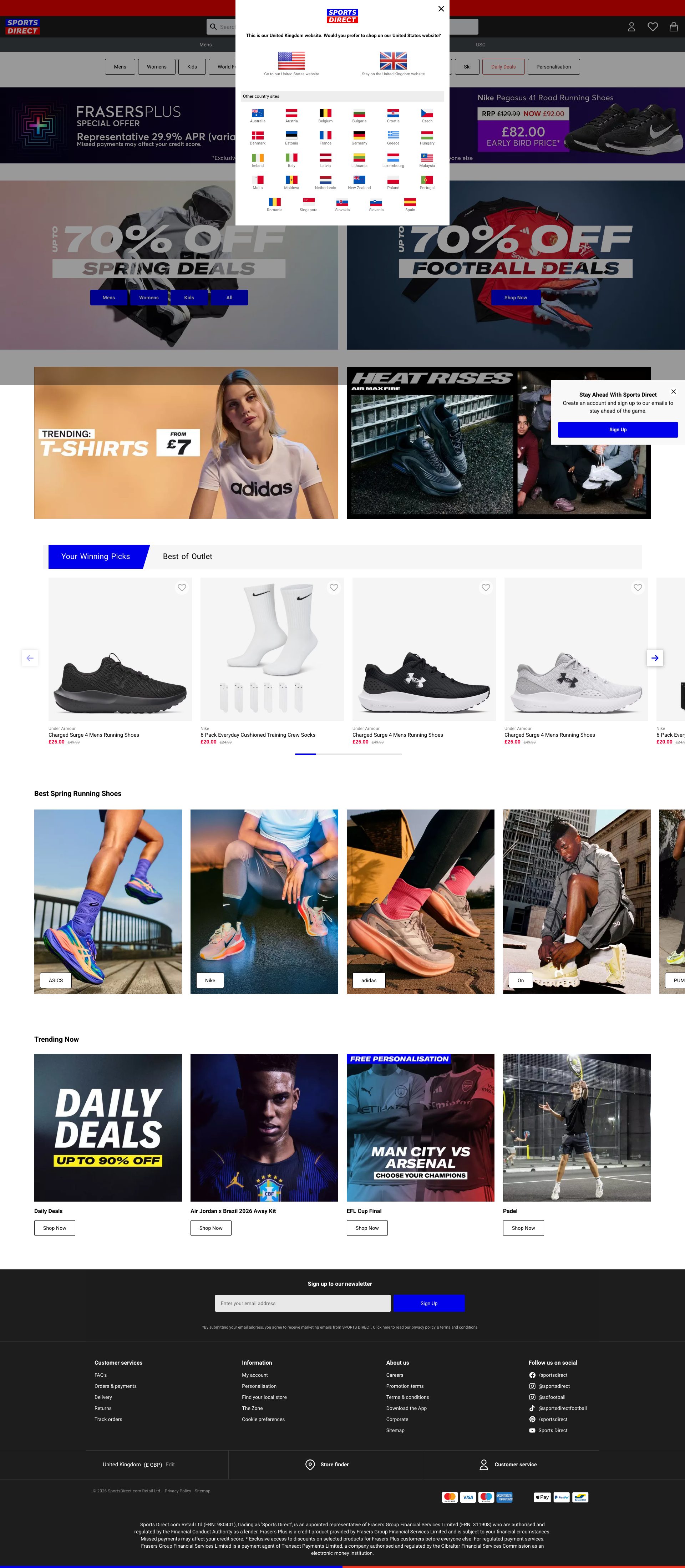
Pages Tested ยท 6 screenshots
Detected Issues ยท 114 total
1
Massive Network Resource Loading Failures - ERR_NAME_NOT_RESOLVED
CRIT P10
Conf 9/10 Other
Prompt to Fix
You generated code that loads external resources but many are failing with ERR_NAME_NOT_RESOLVED errors. Review all hardcoded URLs in your code for: 1) Typos in domain names, 2) Missing domain configuration, 3) Incorrect CDN paths. For every resource URL (stylesheets, fonts, scripts, images), verify it resolves correctly. Add try-catch blocks and console logging around all resource fetch operations to identify which specific URLs are failing. Implement a configuration system to manage resource URLs as environment variables instead of hardcoded values.
Why it's a bug
The console logs show 40+ consecutive ERR_NAME_NOT_RESOLVED errors for critical resources. This indicates DNS resolution failures for external dependencies, likely caused by AI-generated code attempting to load resources from non-existent or misconfigured domains. This pattern suggests hallucinated or incorrectly configured API endpoints/resource URLs that were generated without proper validation.
Why it might not be a bug
Could be a temporary network issue or DNS misconfiguration at the infrastructure level rather than a code issue. However, the sheer volume and consistency of failures across many resources suggests systematic misconfiguration in the generated code.
Suggested Fix
Audit all hardcoded URLs and resource paths in the generated code. Verify that all external resource URLs are correctly configured and point to valid, resolvable domains. Implement proper error handling with fallback mechanisms for failed resource loads. Add DNS validation tests to CI/CD pipeline to catch these issues before deployment.
Why Fix
These loading failures likely break critical functionality including stylesheets, fonts, analytics scripts, and consent management systems. The page may render incorrectly or be missing essential features. This severely impacts user experience and functionality.
Route To
Backend/DevOps Engineer
Page
Tester
Jason ยท GenAI Code Analyzer
Technical Evidence
Console: [ERROR] Failed to load resource: net::ERR_NAME_NOT_RESOLVED (appears 40+ times)
Network: Multiple GET requests with Status: N/A to cdn-ukwest.onetrust.com, www.sportsdirect.com resources, and font files
2
Sensitive AI/LLM Endpoint Markers Exposed in Network Activity
HIGH P8
Conf 8/10 OtherSecurity
Prompt to Fix
We have multiple AI/LLM endpoint calls flagged in the network activity (marked with โš ๏ธ AI/LLM ENDPOINT DETECTED). Please audit the codebase to: 1) Identify all AI service calls and their purposes. 2) Move any non-critical AI calls from page load to user interaction triggers (lazy loading). 3) Add explicit user consent mechanisms before making any AI API calls (consent modal, opt-in checkbox). 4) Document which third-party AI services are being used and why. 5) Add privacy disclosures explaining the use of AI services. 6) Implement error handling for AI service failures with graceful fallbacks. Show me the updated consent flow and service call management.
Why it's a bug
Multiple network requests are flagged with 'โš ๏ธ AI/LLM ENDPOINT DETECTED' comments in the network activity, indicating that AI service calls are being made to third-party domains (cdn.media.amplience.net, sportsdirect.com AI endpoints). This suggests AI/LLM calls are happening on page load or during initial render without explicit user consent. The presence of these markers indicates the code was AI-generated and lacks proper privacy controls, consent mechanisms, or transparency around AI service usage.
Why it might not be a bug
The AI endpoints could be legitimate content delivery services (Amplience) used for image optimization rather than actual AI/LLM calls. The marker might be a test artifact or development-only annotation.
Suggested Fix
1) Audit all AI/LLM service calls to ensure they comply with privacy regulations and user consent requirements. 2) Defer non-critical AI service calls until after user interaction rather than on page load. 3) Add clear privacy disclosures explaining what AI services are being used and why. 4) Implement explicit user consent mechanisms before making AI API calls. 5) Remove or refactor endpoints that appear to be AI-related but serve no clear purpose. 6) Document all third-party AI services and their data handling practices.
Why Fix
Undisclosed AI service usage without consent violates privacy regulations (GDPR, CCPA) and undermines user trust. Early LLM calls on page load cause performance degradation and unnecessary API costs. Proper handling ensures compliance, improves transparency, and respects user privacy.
Route To
Privacy/Security Engineer, Product Manager, Backend Engineer
Page
Tester
Jason ยท GenAI Code Analyzer
Technical Evidence
Console: [LOG] Initial check for hiding heroBlock, [LOG] Checking for elements to hide heroBlock
Network: GET https://cdn.media.amplience.net/i/frasersdev/... (marked with โš ๏ธ AI/LLM ENDPOINT DETECTED)
3
Multiple Resource Loading Failures - 13 ERR_NAME_NOT_RESOLVED Errors
CRIT P9
Conf 9/10 OtherContent
Prompt to Fix
Debug and fix all DNS resolution failures causing 'net::ERR_NAME_NOT_RESOLVED' errors for page resources. Check that all image URLs, stylesheet links, and script references use correct domain names and are properly configured. Verify server/CDN endpoints are operational and accessible. If third-party resources are failing, implement fallback resources or disable them gracefully.
Why it's a bug
The console shows 13 instances of 'Failed to load resource: net::ERR_NAME_NOT_RESOLVED' errors, indicating critical resources (images, stylesheets, scripts) are failing to load. This is visible in the console logs and will cause visual degradation, missing images, broken styling, or non-functional features on the page. The page content quality is severely impacted when resources cannot be resolved.
Why it might not be a bug
These could be third-party service failures outside the control of the site, but they still impact user experience and page rendering quality.
Suggested Fix
Investigate and resolve all DNS resolution failures for the resources mentioned in the error logs. Verify that all resource URLs are correctly configured, domains are resolvable, and CDN/server endpoints are operational. Implement fallback strategies or lazy loading for non-critical resources.
Why Fix
Resource loading failures directly impact page visual polish, brand presentation, and user experience. Missing images, stylesheets, or scripts make the page appear broken and unprofessional, damaging brand perception.
Route To
DevOps/Infrastructure Engineer, Backend Engineer
Page
Tester
Sophia ยท Content Quality Specialist
Technical Evidence
Console: [ERROR] Failed to load resource: net::ERR_NAME_NOT_RESOLVED (appears 13 times in console logs)
Network: net::ERR_NAME_NOT_RESOLVED (DNS resolution failure for multiple resources)
+111
111 more issues detected  View all →
Multiple Resource Loading Failures Impacting Page Assets
Missing Consent Handling for Third-Party Analytics and Track...
Multiple Failed Resource Loads - DNS Resolution Errors
and 108 more...
Unlock All 114 Issues
You're viewing the top 3 issues for Sports Direct.
Sign up at Testers.AI to access the full report with all 114 detected issues, detailed fixes, and continuous monitoring.
Sign Up at Testers.AI or let us run the tests for you